
Hybrid events and live streamingHalf your audience is watching on a laptop. They notice everything.
Hybrid conferences, town halls and launches streamed from Bangalore, Goa and Kerala — multi-camera, cleanly mixed, on the platform your audience already uses, with a backup line that has actually been tested.
What do you need to live stream a hybrid conference?
A hybrid conference needs two to four cameras and a vision mixer, a dedicated audio mix from the sound desk, an encoder with a backup, a wired upload line with headroom above the stream bitrate plus an independent second connection, the right platform, and a producer who runs the online audience as carefully as the room.
A hybrid event has two audiences. The one in the room forgives a lot: they can see the stage, hear the room and talk to the person beside them. The one online sees only what the cameras show and hears only what the stream mix sends, and they can leave with one click. Hybrid is its own production line, and venues price it that way — BIEC, for example, charges ₹22,000 a day extra for video conferencing in its boardroom (BIEC rate card).
Online audiences don’t complain. They just close the tab.
- The stream freezes during the CEO’s keynote.The venue Wi-Fi was shared with six hundred phones. We stream over a wired, dedicated line and keep a second, independent connection ready to take over.
- Remote viewers hear the room, not the speaker.A microphone near a speaker is not a stream feed. The stream gets its own mix from the sound desk, checked on headphones throughout.
- The remote speaker hears themselves on a delay.Remote presenters need a return feed without their own voice in it. We set it up and test it at rehearsal, from the city they will present from.
- Nobody online asks a question.An online moderator collects questions, the host reads them out by name, and the online audience is part of the run-of-show — not an afterthought.
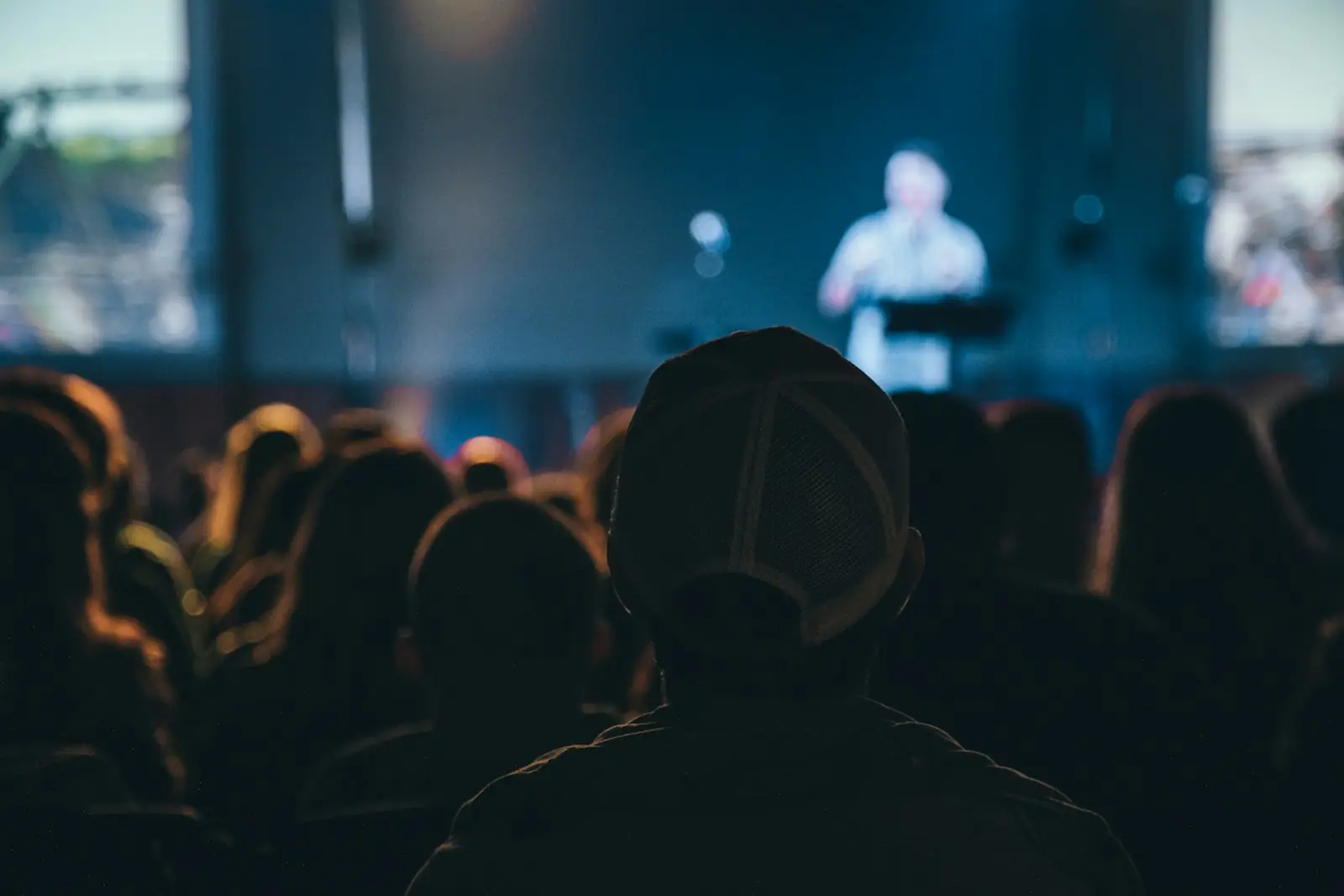
Hybrid production, end to end
- Two to four cameras with operators, plus a wide safety shot
- Vision mixing, with slides, videos and lower-thirds inserted cleanly
- A dedicated stream audio mix from the sound desk
- Hardware encoder, with a software encoder on standby
- Wired primary line tested days ahead, and an independent backup
- Platform set-up: registration, privacy, chat and Q&A
- Remote speakers joined, rehearsed and shown back to the room on screen
- Local recording of every camera for edits and on-demand viewing
How a multi-camera live stream works, step by step
Every hybrid stream runs through the same eight links. Each one has an owner on our crew.
| Link | What happens | What goes wrong if it is skipped |
|---|---|---|
| Cameras | Two to four cameras: a wide shot, a speaker close-up, an audience or panel angle | One static wide shot — viewers cannot see faces or slides |
| Vision mixer | A director cuts between cameras, slides and videos | Slides shown as a camera shot of the LED wall, unreadable online |
| Audio | A separate stream mix from the sound desk | Room echo, missing panel mics, music too loud |
| Graphics and playback | Lower-thirds, holding slides, videos played in directly | Speakers unnamed; videos stutter when filmed off a screen |
| Encoder | Turns the programme into a stream; a second encoder on standby | One laptop crash ends the stream |
| Network | Wired, dedicated upload line plus an independent backup path | Shared Wi-Fi drops the stream at the busiest moment |
| Platform | YouTube, Vimeo, Zoom, Teams or your event site, set to the right privacy | Wrong people see it, or the right people cannot get in |
| Online audience | Moderator, Q&A, help desk for login problems | Questions ignored; viewers drift off |
How much internet speed do you need to live stream an event?
Start with the platform’s own numbers. YouTube’s encoder settings recommend these H.264 bitrates, a 2-second keyframe interval and 128 kbps stereo audio.
| Stream quality | YouTube minimum | YouTube recommended | Upload we plan for (our rule: ≥2× the stream) |
|---|---|---|---|
| 720p | 3 Mbps | 8 Mbps | 16 Mbps+ |
| 1080p at 30 fps | 5 Mbps | 14 Mbps | 28 Mbps+ |
| 1080p at 60 fps | 6 Mbps | 17 Mbps | 34 Mbps+ |
Vimeo’s network guidance says to stream over Ethernet on a dedicated, unshared network, to set the encoder bitrate well below the measured upload speed, and to open RTMPS port 443 (RTMP 1935) — a common snag on hotel and corporate networks. Vimeo itself suggests 1080p at 4,000 kbps for 10.1–25 Mbps of upload. We measure upload at the recce and again on show morning.
Backup plans for a live stream: what we keep ready
Streams fail at the network more than anywhere else. Everything below is in place before doors open, with one person who decides when to switch.
- A second internet path. A second provider’s line or bonded cellular, which combines several mobile data connections (and Wi-Fi or Ethernet) into one stream sent to a server (Streaming Media).
- A second encoder. Hardware primary, software standby, both already logged in to the platform.
- Power protection. UPS on the streaming desk, so a venue power blip does not restart the encoder.
- Local recording. Every camera and the programme recorded on site, as Vimeo also recommends, so nothing is lost if the internet is.
- A holding slide and music. “We’ll be right back” ready on the mixer, so a fault looks like a pause, not a crash.
- A remote-speaker fallback. A pre-recorded version of each remote talk, and a phone line if their video drops.
- A tested switch-over. We pull the primary line at rehearsal and time how long the backup takes to carry the stream.
Which live streaming platform suits your event?
Pick the platform your audience can already reach, then the features. Licences and limits change; your IT team should confirm what your company account allows.
| Platform | Good for | Watch out for |
|---|---|---|
| YouTube Live (unlisted) | Launches, public talks, large audiences on any device | Anyone with the link can watch an unlisted stream; not for confidential content |
| Vimeo | A branded player embedded on your own event page | Bitrate and features depend on the plan |
| Zoom Webinars | Registration, Q&A, polls and panellists joining from anywhere | Capacity depends on the licence: Zoom lists standard subscriptions at 500–10,000 attendees, higher with Zoom’s approval |
| Microsoft Teams town hall | Internal all-hands where employees sign in with work IDs | Capacity and features depend on your Microsoft licence |
| Event platform or microsite | Multi-track conferences, sponsor booths, networking | More set-up time, testing and cost |
How a Pani Productions event runs
Brief & ballpark
A 30-minute call with your event owner. You get a format, venue shortlist and an itemised cost range you can take upstairs.
Venue & concept
We check dates, layouts and rooms with venues, run a site recce, and build the creative: theme, stage, content flow.
Production plan
Stage, LED, sound and light specified and drawn. Delegate logistics, rooming lists, transfers and F&B locked to a master timeline.
Rehearsals
Technical rehearsal and a cue-to-cue run with presenters. Backup power, spare mics and playback files ready before doors open.
Show day
One show caller on headset runs every cue. Your team hosts; nobody from your side should have to carry a radio.
Close-out
Reconciled invoice against the estimate, vendor settlement, photos and a short debrief on what to repeat next year.
Questions people ask before they book
What is a hybrid event?
How much internet speed do we need to live stream a conference in 1080p?
Which platform should we use to live stream a company town hall?
How many cameras do we need for a live stream?
Can we stream over the hotel Wi-Fi?
Can remote speakers present live from another country?
Can you live stream events from resorts in Goa or Kerala?
Does a hybrid event cost much more than an in-person one?
Tell us about the event
Rough is fine. Headcount, a city, a month. We come back with venue options, a format and a cost range you can take to your leadership — before you commit to anything.
- Itemised estimate: venue, food, production, logistics and our fee as separate lines
- Venue options checked for your date, headcount and layout
- GST invoicing for your finance team
Rather talk? +91 77669 40021 · WhatsApp · info@paniproductions.com
Keep planning
- Event production company in Bangalore
- Conference organisers in Bangalore
- Tech conference and summit production
- Town hall event management
- What is a hybrid event?
- Corporate event management in Bangalore
- Corporate offsites near Bangalore
- Corporate events and MICE in Goa
- Corporate events in Kerala
- What a corporate event costs in India
- Concert and festival production
- Corporate event questions, answered